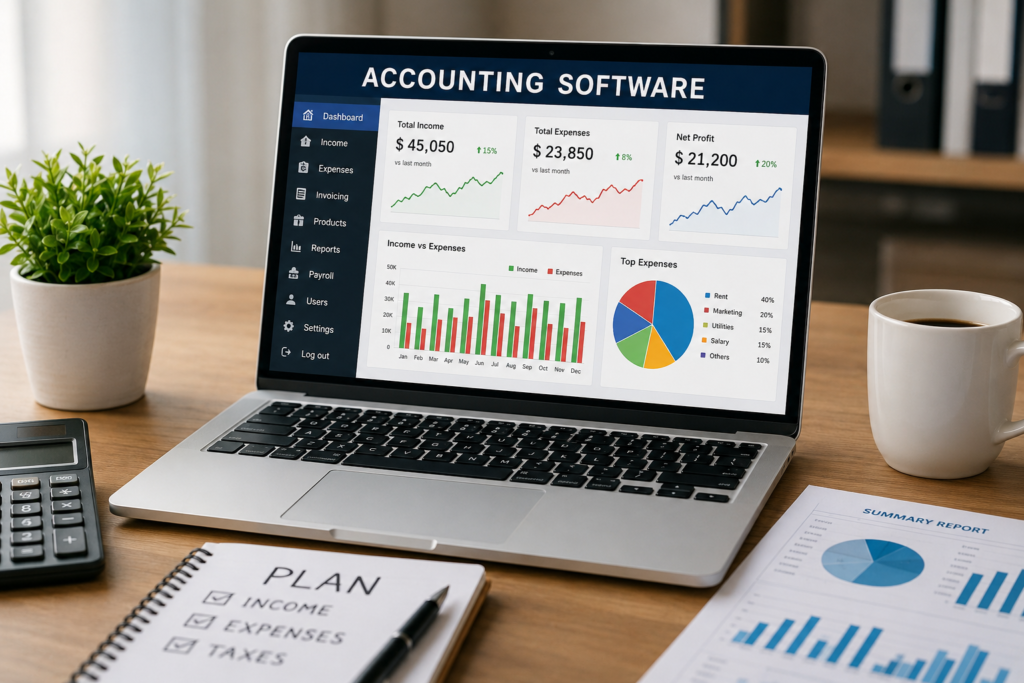
Accounting Software for Business: The Complete Guide
Managing business finances is one of the most important tasks for any company. Whether you run a small startup, a growing business, or a large enterprise, keeping accurate financial records is essential for success. Accounting software helps businesses manage income, expenses, invoices, taxes, payroll, and financial reports efficiently.
In today’s digital world, businesses are moving away from manual bookkeeping and spreadsheets. Modern accounting software automates financial processes, reduces errors, saves time, and provides valuable insights into business performance.
This guide explains everything you need to know about accounting software, including features, benefits, types, and the best solutions available today.
What Is Accounting Software?
Accounting software is a digital tool that helps businesses record, track, and manage financial transactions. It automates bookkeeping tasks and provides reports that help business owners make informed decisions.
Accounting software can handle:
- Income tracking
- Expense management
- Invoice creation
- Tax calculations
- Payroll processing
- Financial reporting
- Bank reconciliation
- Inventory management
Instead of maintaining paper records, businesses can store all financial data securely in one system.
Why Businesses Need Accounting Software
Accounting software offers many advantages over traditional bookkeeping methods.
1. Saves Time
Automation reduces the need for manual data entry and repetitive tasks.
2. Improves Accuracy
Software minimizes human errors and ensures accurate financial records.
3. Better Financial Visibility
Real-time dashboards help businesses understand their financial health instantly.
4. Tax Compliance
Many accounting tools calculate taxes automatically and generate tax reports.
5. Faster Invoicing
Businesses can create and send invoices within minutes.
6. Improved Cash Flow Management
Track payments, expenses, and outstanding invoices efficiently.
Key Features of Accounting Software
When choosing accounting software, look for these important features:
| Feature | Description |
|---|---|
| Bookkeeping | Record financial transactions |
| Invoicing | Create and manage invoices |
| Expense Tracking | Monitor business spending |
| Payroll Management | Process employee salaries |
| Tax Management | Calculate and file taxes |
| Reporting | Generate financial reports |
| Inventory Management | Track products and stock |
| Bank Reconciliation | Match transactions with bank records |
| Budgeting | Plan and monitor budgets |
| Cloud Access | Access data from anywhere |
Types of Accounting Software
1. Cloud-Based Accounting Software
Cloud accounting software stores data online and allows access from any device.
Benefits:
- Remote access
- Automatic updates
- Secure backups
- Lower maintenance costs
Examples:
- QuickBooks Online
- Xero
- FreshBooks
2. Desktop Accounting Software
Installed directly on a computer.
Benefits:
- Full control over data
- One-time purchase options
Limitations:
- Limited remote access
- Manual updates
Examples:
- Sage 50
- TallyPrime
3. Enterprise Accounting Software
Designed for large organizations with complex financial operations.
Benefits:
- Advanced reporting
- Multi-user access
- Global financial management
Examples:
- SAP
- Oracle NetSuite
Top Accounting Software for Businesses
1. QuickBooks
QuickBooks is one of the world’s most popular accounting solutions.
Features
- Invoicing
- Expense tracking
- Payroll
- Tax management
- Financial reporting
Best For
Small and medium-sized businesses.
2. Xero
Xero is a cloud-based accounting platform known for its user-friendly interface.
Features
- Unlimited users
- Bank reconciliation
- Inventory tracking
- Financial reporting
Best For
Growing businesses.
3. FreshBooks
FreshBooks focuses on invoicing and time tracking.
Features
- Professional invoices
- Expense tracking
- Project management
- Client management
Best For
Freelancers and service businesses.
4. Zoho Books
Zoho Books is an affordable accounting solution.
Features
- Automated workflows
- GST compliance
- Expense management
- Inventory tracking
Best For
Small businesses and startups.
5. TallyPrime
TallyPrime is widely used in India.
Features
- GST management
- Inventory control
- Payroll
- Banking integration
Best For
Indian businesses.
Accounting Software Comparison Table
| Software | Best For | Cloud-Based | Payroll | Inventory | Starting Cost |
|---|---|---|---|---|---|
| QuickBooks | SMBs | Yes | Yes | Yes | Medium |
| Xero | Growing Businesses | Yes | Yes | Yes | Medium |
| FreshBooks | Freelancers | Yes | Yes | Limited | Low |
| Zoho Books | Startups | Yes | Yes | Yes | Low |
| TallyPrime | Indian Businesses | No/Hybrid | Yes | Yes | Medium |
Benefits of Cloud Accounting Software
Cloud accounting has become the preferred choice for modern businesses.
Accessibility
Access financial information anytime and anywhere.
Security
Data is stored securely with encryption and backups.
Collaboration
Accountants and business owners can work together in real time.
Automatic Updates
No need to install software updates manually.
Scalability
Easily add users and features as your business grows.
How to Choose the Right Accounting Software
Business Size
Choose software that matches your business requirements.
Small Businesses
Look for affordability and ease of use.
Medium Businesses
Focus on automation and reporting features.
Large Enterprises
Need advanced analytics and multi-location management.
Budget
Compare pricing plans carefully.
Consider:
- Monthly subscription fees
- User licenses
- Additional modules
- Support costs
Ease of Use
A user-friendly interface reduces training time and improves productivity.
Integration Options
The software should integrate with:
- CRM systems
- Payment gateways
- E-commerce platforms
- Banking applications
Customer Support
Reliable support helps resolve issues quickly.
Look for:
- Live chat
- Phone support
- Email support
- Knowledge base
Common Challenges Solved by Accounting Software
Manual Data Entry
Automation reduces repetitive work.
Delayed Financial Reports
Real-time reporting improves decision-making.
Tax Errors
Built-in tax calculations reduce mistakes.
Cash Flow Problems
Better visibility helps manage cash effectively.
Compliance Issues
Accounting software helps maintain regulatory compliance.
Future Trends in Accounting Software
The accounting software industry continues to evolve rapidly.
Artificial Intelligence
AI automates bookkeeping and financial analysis.
Machine Learning
Software learns from transactions and improves accuracy.
Predictive Analytics
Forecast future revenue and expenses.
Mobile Accounting
Manage finances using smartphones and tablets.
Advanced Automation
Reduce manual intervention even further.
Best Accounting Software for Different Businesses
| Business Type | Recommended Software |
|---|---|
| Freelancer | FreshBooks |
| Startup | Zoho Books |
| Small Business | QuickBooks |
| Medium Business | Xero |
| Indian Business | TallyPrime |
| Enterprise | SAP or Oracle NetSuite |
Conclusion
Accounting software has become an essential tool for businesses of all sizes. It simplifies bookkeeping, automates financial tasks, improves accuracy, and provides valuable insights into business performance.
Whether you are a freelancer, startup founder, small business owner, or enterprise manager, the right accounting software can save time, reduce costs, and help your business grow.
Before choosing a solution, evaluate your business needs, budget, scalability requirements, and desired features. Investing in the right accounting software today can improve financial management and support long-term business success.
Frequently Asked Questions (FAQs)
1. What is accounting software?
Accounting software is a digital application that helps businesses manage financial transactions, bookkeeping, invoicing, payroll, and reporting.
2. Which accounting software is best for small businesses?
QuickBooks, Zoho Books, and Xero are among the best options for small businesses.
3. Is cloud accounting software safe?
Yes. Most cloud accounting providers use advanced encryption, backups, and security measures.
4. Can accounting software handle payroll?
Yes. Many accounting solutions include payroll management features.
5. What is the difference between bookkeeping and accounting?
Bookkeeping records financial transactions, while accounting analyzes and reports financial information.
6. Is accounting software suitable for startups?
Yes. Startups benefit from automation, financial tracking, and reporting capabilities.
7. Does accounting software help with taxes?
Yes. Most solutions calculate taxes and generate tax reports automatically.
8. How much does accounting software cost?
Costs vary from free plans to enterprise solutions costing hundreds or thousands of dollars per month.
9. Can accounting software integrate with banks?
Yes. Most modern accounting software supports bank integrations and automatic transaction imports.
10. Why should businesses use accounting software?
It saves time, improves accuracy, simplifies tax management, and provides valuable financial insights.